Go to Your tracked profiles and click “Add TikTok profile”.
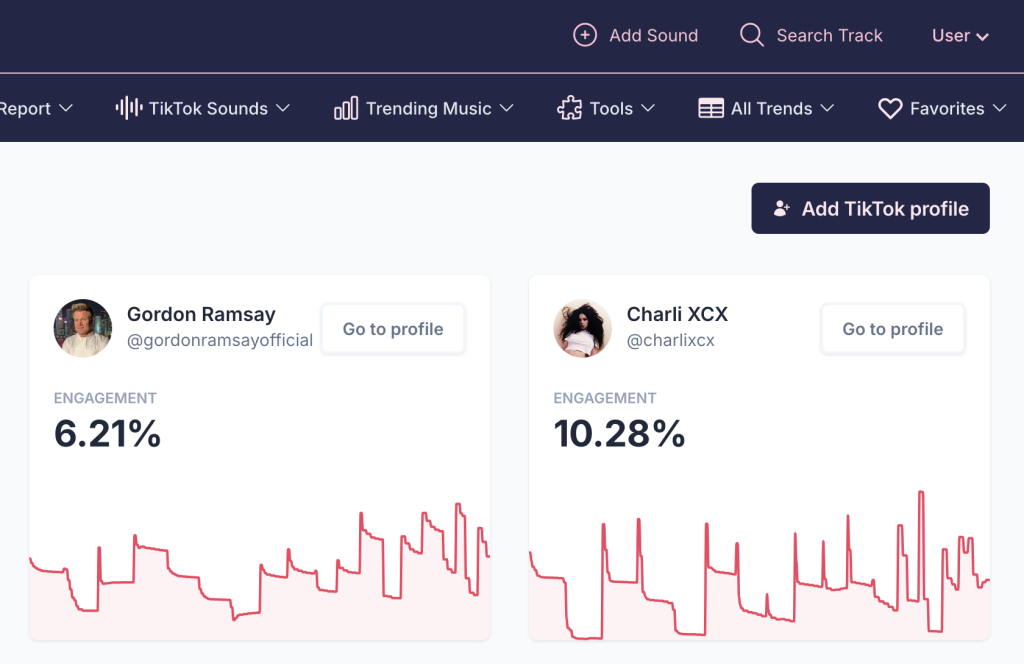
There are two ways to find a profile:
1. Search by direct username
Type the TikTok username you want to track, then click “Search”.
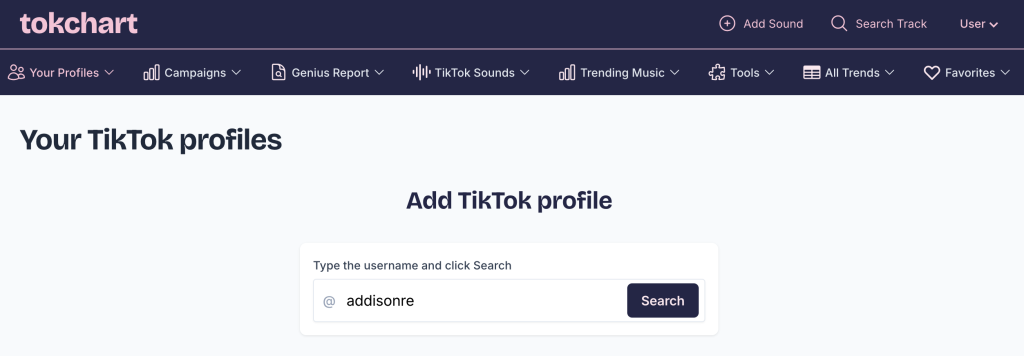
Once the profile is found, click “Confirm”.

2. Search by keyword
Type your search query and click “Search”. You’ll see a list of matching profiles.

Click the profile you want to track, then click “Confirm”.
Your profile will now be added to your Tracked Profiles and you will be able to see your analytics. Please be aware data collecting might take up to a few minutes, so some widgets might not load instantly.